You've recorded a two-hour qualitative interview about workplace burnout. Your participant shared deeply personal experiences, emotional moments, and valuable insights. Now you face the transcription challenge: how do you capture not just the words, but the nuances that make qualitative research meaningful?
Transcribing open-ended interview responses isn't just about converting speech to text. It's about preserving context, identifying speakers accurately, and creating searchable data that supports your analysis workflow.
What Are Open-Ended Questions?
Open-ended questions are research prompts that allow participants to respond freely without predetermined answer choices. Unlike closed-ended questions with yes/no or multiple-choice responses, these questions typically begin with "How," "What," or "Why" and invite detailed, personal answers that reveal deeper insights into human experiences and perspectives.
Why Interview Transcription Makes or Breaks Qualitative Research
Most researchers underestimate how transcription quality affects their findings. Poor transcription creates a cascade of problems: missed themes during coding, inaccurate quotes in publications, and hours spent re-listening to audio to verify unclear passages.
The challenge intensifies with open-ended questions because participants often speak in long, complex narratives. They pause mid-thought, circle back to earlier points, or use emotional language that requires precise capture. Manual transcription of a one-hour interview typically takes 4-6 hours, and that's before you factor in speaker identification, timestamp alignment, and formatting for analysis software.
I've seen research teams abandon valuable insights simply because their transcription workflow couldn't handle the complexity. One team studying healthcare worker experiences had to exclude 30% of their interviews because the transcripts were too fragmented to code reliably.
The solution isn't just faster transcription—it's smarter transcription that preserves the richness of qualitative data while integrating seamlessly with your analysis process.
Research Interview Transcription: Platform Comparison
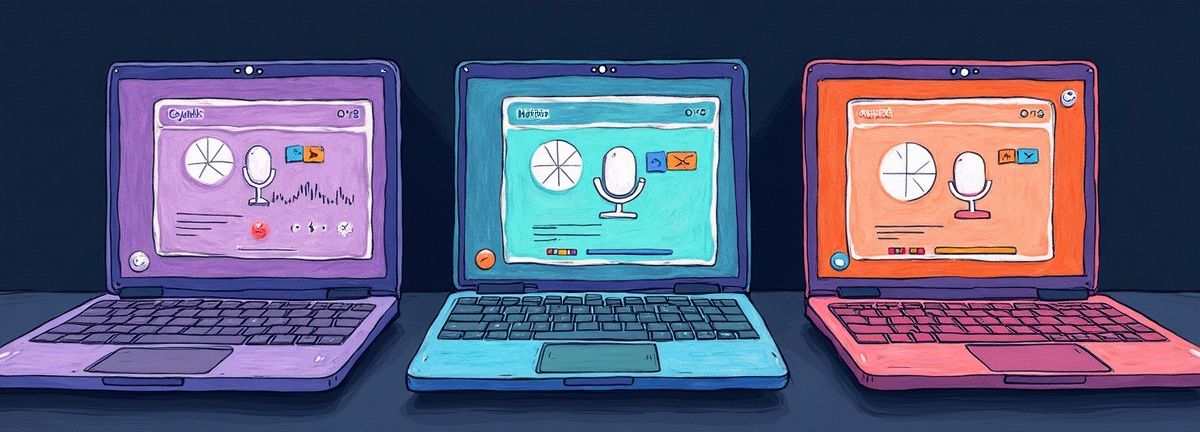
When choosing transcription tools for qualitative research, most teams compare accuracy rates and pricing. But the real differentiators lie in features that support research-specific workflows.
Otter.ai excels at meeting transcription with solid speaker identification, but struggles with emotional content and non-standard speech patterns common in research interviews. Their export options are limited, and you can't easily integrate transcripts with qualitative analysis software like NVivo or Atlas.ti.
Rev offers human transcription with 99% accuracy, making it reliable for academic work. However, turnaround times of 12+ hours can slow research momentum, and costs escalate quickly with longer interviews. They also lack built-in tools for managing speaker names or adding research-specific formatting.
Descript provides powerful editing capabilities once you have your transcript, but their transcription accuracy for research interviews varies significantly based on audio quality and speaker accents. The learning curve is steep if you just need reliable text output.
Scriptivox approaches research transcription differently. Word-level timestamps mean you can jump directly to specific quotes during analysis. Speaker identification works reliably even when participants interrupt each other or speak emotionally. The platform supports 100 languages with auto-detection, crucial for multilingual research projects.
The key advantage for researchers is export flexibility. You can output to multiple formats simultaneously—SRT for media review, DOCX for coding software, and JSON for custom analysis workflows. This eliminates the format conversion step that trips up many research teams.
Step-by-Step: Transcribing Research Interviews for Analysis

Here's the workflow I use for transcribing qualitative research interviews, refined through dozens of projects:
Step 1: Prepare Your Audio File Before uploading, check your recording quality. Research interviews often contain emotional moments, long pauses, and overlapping speech. If your audio has significant background noise or multiple speakers talking simultaneously, consider using audio editing software to clean it up first.
Step 2: Upload and Configure Settings When uploading to Scriptivox, select auto-detect for language unless you're certain of the primary language. Enable speaker identification and set the expected number of speakers (usually 2-4 for research interviews). Enable word-level timestamps—you'll need these for citation and verification.
Step 3: Review and Edit Speaker Labels After transcription completes, rename the automatically assigned speakers (Speaker 1, Speaker 2) to meaningful labels like "Researcher" and "Participant_01" or actual names if privacy allows. This step saves hours during analysis since you won't need to guess who said what.
Step 4: Export for Your Analysis Workflow For qualitative coding software like NVivo, export as DOCX with speaker labels and timestamps. For media review, use SRT format to sync text with audio playback. If you're building custom analysis tools, JSON export includes all metadata in a structured format.
Step 5: Verify Critical Quotes Don't trust any transcript 100%. Use word-level timestamps to quickly jump to sections containing key insights or emotional moments. Listen to these passages while reading the transcript to catch nuances that might affect interpretation.
This workflow typically reduces transcription time from 4-6 hours per interview hour to about 20 minutes of active work, most of which involves verification and speaker labeling.
Advanced Techniques for Complex Research Scenarios
Handling Multilingual Interviews When participants code-switch between languages, standard transcription tools often fail completely. The solution is using a platform that can handle language detection at the sentence level rather than assuming the entire file is one language.
Managing Focus Group Transcription Focus groups present unique challenges: multiple speakers, crosstalk, and group dynamics that affect meaning. Speaker identification becomes critical, but so does preserving the flow of conversation. Look for platforms that can handle 4+ speakers reliably and maintain conversation threading.
Preserving Emotional Context Open-ended questions often elicit emotional responses—crying, laughter, long pauses. These moments are data, not transcription errors. Choose tools that can mark these events or allow you to add notes without disrupting the main transcript.
Research Data Security Qualitative research often involves sensitive personal information. Ensure your transcription platform meets research data protection standards. Academic institutions typically require GDPR compliance, encryption at rest, and clear data deletion policies.
Common Transcription Mistakes That Compromise Analysis
The biggest mistake researchers make is treating transcription as a commodity service rather than a research tool. Here are the errors I see repeatedly:
Ignoring Speaker Accuracy: If you can't reliably attribute quotes to specific participants, your analysis loses credibility. This is especially critical for phenomenological studies where individual perspectives matter.
Skipping Timestamp Verification: When reviewers or collaborators question your interpretation of a quote, you need to point them to the exact moment in the audio. Word-level timestamps make this possible; sentence-level timestamps often don't provide enough precision.
Over-Editing for Readability: Research transcripts should preserve natural speech patterns, including false starts, repetitions, and grammatical errors. These patterns often contain meaning relevant to your research questions.
Inadequate Quality Control: Spot-checking 10% of your transcript isn't enough for research purposes. Critical quotes and emotional moments require 100% verification because these sections often drive your key findings.
Integrating Transcripts with Qualitative Analysis Software
Once you have clean transcripts, the next challenge is getting them into your analysis workflow efficiently. Most qualitative analysis software (NVivo, Atlas.ti, MAXQDA) can import various text formats, but the formatting makes a huge difference in usability.
For NVivo users, DOCX format with clear speaker labels works best. The software can automatically create cases based on speaker names, saving setup time. For Atlas.ti, consider using rich text format (RTF) if you need to preserve formatting like bold text for emphasis or italics for emotional cues.
Timestamps become invaluable during the coding process. When you identify a theme or pattern, you can quickly return to the source audio to verify context or capture additional nuance that pure text might miss.
Research Interview Transcription Platform Comparison
| Platform | Strengths | Weaknesses | Best For |
|---|---|---|---|
| Otter.ai | Good speaker identification, meeting transcription | Struggles with emotional content, limited export options | Standard meetings |
| Rev | 99% accuracy with human transcription | 12+ hour turnaround, high costs for long interviews | Academic work requiring high accuracy |
| Descript | Powerful editing capabilities | Variable accuracy, steep learning curve | Post-transcription editing |
| Scriptivox | Word-level timestamps, 100 languages, flexible exports | Research-focused features | Qualitative research workflows |
Frequently Asked Questions
About the author
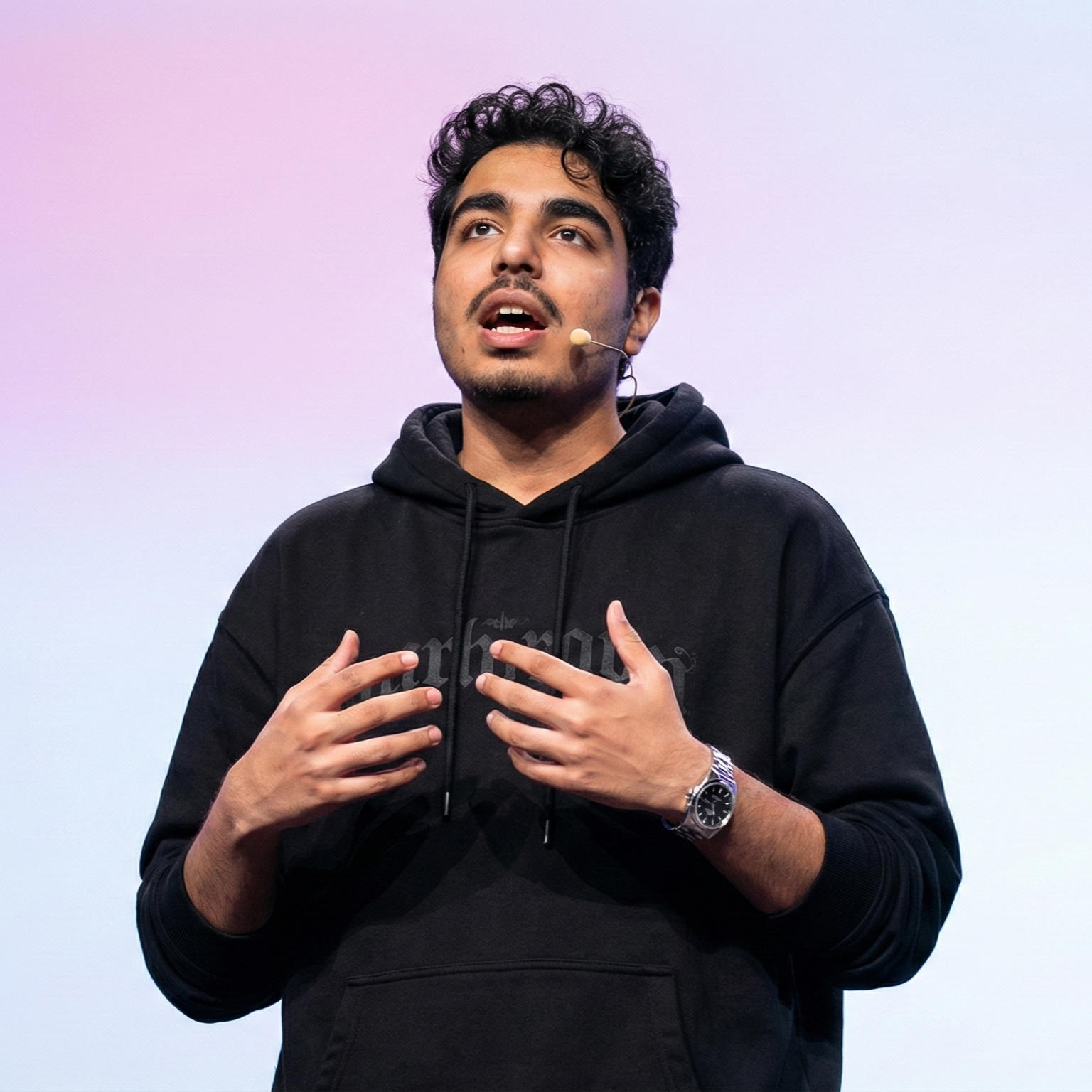
Abhishek co-founded Scriptivox and built its early optimization and scalability layer — the part that turns a working transcription tool into one that holds up under real load. Today he leads growth and marketing at Scriptivox. He writes about transcription accuracy, multi-language coverage, and what it takes to build an AI transcription product that stays fast and reliable as it scales.