Your most important conversations don't happen at your desk. The breakthrough insight during a client walk-through. The candid interview over coffee. The expert opinion captured between conference sessions. Until recently, these field recordings lived trapped on phones, waiting for someone to remember to upload and transcribe them later.
Mobile transcription apps change this workflow entirely. Record directly from your phone, get automatic transcription in minutes, and have searchable text ready before you're back at your computer.
What Are Mobile Transcription Apps?
Mobile transcription apps are smartphone applications that record audio and automatically convert speech to text using AI. Unlike basic voice recorders, these apps process your recordings immediately, delivering timestamped transcripts that sync across devices.
The technology relies on the same speech recognition engines that power desktop transcription software, but optimized for mobile capture scenarios like interviews, field research, and spontaneous conversations.
Why Mobile Recording Beats Desktop Upload
Traditional transcription workflows create friction at the worst possible moment. You finish an important conversation, save the audio file, then face a multi-step upload process later. Files accumulate on devices. Context gets lost. Transcription becomes a backlog task instead of immediate insight.
Mobile apps eliminate this gap between capture and text. I've tested this difference extensively. Recording a 45-minute stakeholder interview and having a searchable transcript within 3 minutes transforms how quickly you can act on information. No file management, no format conversion, no wondering which recording contained the key quote.
The background sync capability matters more than most people realize. Poor cellular signal doesn't kill your upload. App switching doesn't interrupt processing. You can record in airplane mode and sync later without losing anything.
Core Features That Actually Matter
Not all mobile transcription apps offer the same capabilities. The differences become obvious when you're relying on them for professional work.
Automatic Language Detection
Manual language selection works fine until you're recording multilingual conversations or switching between interview subjects who speak different languages. Auto-detection handles code-switching naturally and processes each segment in the appropriate language engine.
Scriptivox supports 100 languages with automatic detection, which I've found particularly useful for international research projects where conversations flow between English, Spanish, and Portuguese without warning.
Speaker Identification
Basic transcription gives you a wall of text. Speaker identification (diarization) labels different voices, creating readable dialogue format. This matters enormously for interviews, focus groups, or any multi-person conversation.
The feature works by analyzing vocal characteristics like pitch, tone, and speaking patterns. Quality varies significantly between platforms. Some require you to specify speaker count in advance; others detect participants automatically.
Word-Level Timestamps
Sentence-level timestamps tell you when each paragraph started. Word-level timestamps let you jump to any specific moment in the recording. This precision becomes essential when you need to verify quotes, create clips, or navigate long recordings efficiently.
Most consumer apps offer sentence timestamps. Professional tools provide word-level precision, making them searchable at a granular level.
Background Processing
Your phone's native recording app stops when you open another application. Professional mobile transcription apps maintain recording and upload functions in the background. You can take notes, check messages, or use other apps without interrupting the transcription workflow.
This capability relies on platform-specific background services that vary between iOS and Android implementations.
Common Mobile Transcription Challenges

Audio Quality in Uncontrolled Environments
Mobile recording happens in cafes, conference rooms, outdoor locations, and other acoustically challenging spaces. Background noise, multiple speakers talking simultaneously, and varying distances from the microphone all impact transcription accuracy.
Modern AI handles these conditions better than earlier speech recognition systems, but realistic expectations matter. A quiet interview in a closed room might achieve 95% accuracy, while a crowded restaurant conversation could drop to 80-85%.
Battery and Storage Management
Continuous recording and real-time processing drain battery faster than standard phone usage. Long interviews or full-day conference recording require power management strategy.
Cloud sync solves local storage limits but depends on reliable internet connectivity. Offline recording with delayed upload becomes necessary for remote fieldwork or international travel.
Privacy and Security Considerations
Mobile apps often sync recordings through cloud services, raising data protection questions for sensitive conversations. Interview subjects may have concerns about where their voice data gets processed and stored.
Look for apps that specify data handling policies, offer encryption options, and provide control over where recordings get stored. GDPR compliance matters if you're working with European subjects or organizations.
Workflow Integration Strategies
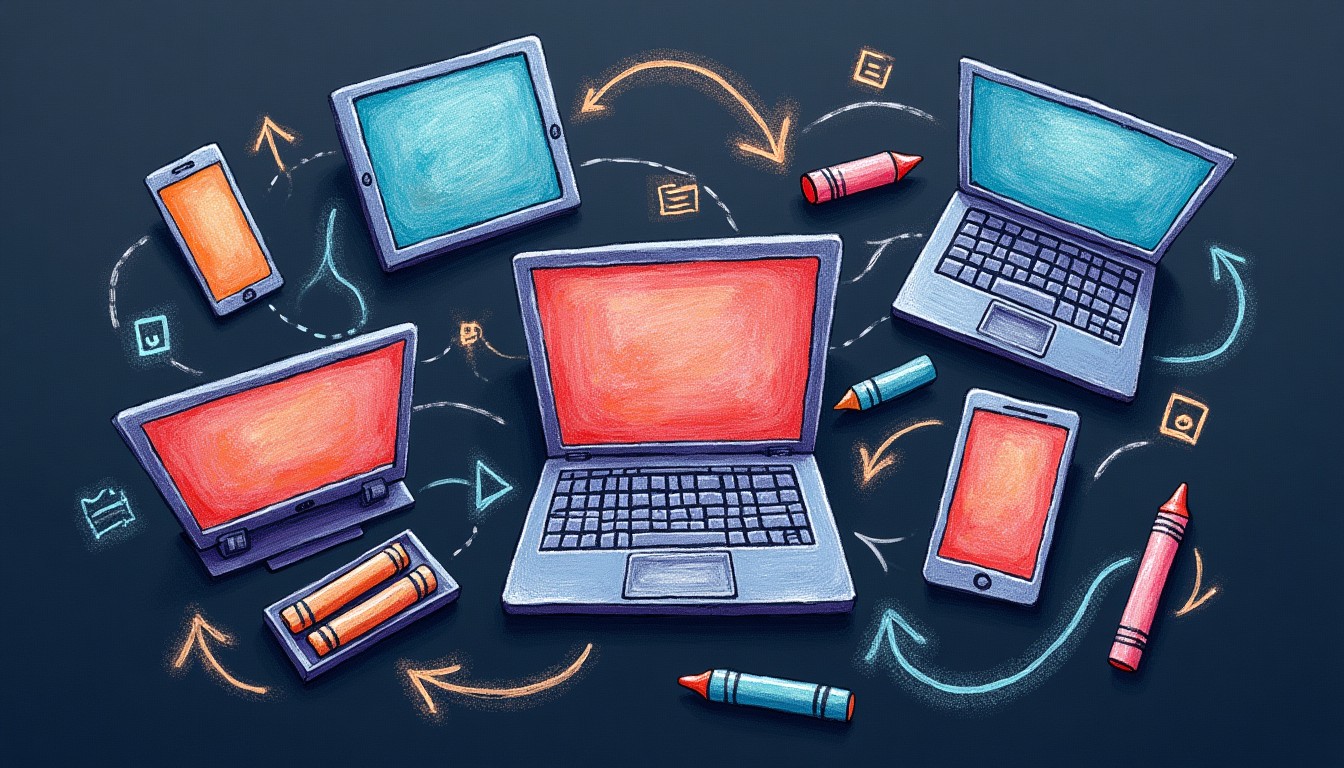
The most effective mobile transcription setups connect seamlessly with existing research and documentation workflows.
Direct-to-Workspace Sync
Instead of creating another content silo, choose apps that integrate with your primary workspace. Recordings should appear alongside other project files, maintaining context and searchability across different content types.
I use Scriptivox because mobile recordings sync directly into the same workspace as uploaded files and meeting recordings. Everything remains searchable from one interface, regardless of capture method.
Automated Tagging and Organization
Manual file organization becomes overwhelming with frequent mobile recording. Automatic tagging based on location, duration, participant count, or detected topics helps maintain order without constant maintenance.
Some platforms allow custom automation rules. For example, recordings longer than 30 minutes might automatically get tagged as "interviews," while shorter clips get labeled "notes."
Export and Sharing Options
Mobile transcripts need to work with different downstream tools. Standard export formats include SRT for video editing, DOCX for document sharing, and JSON for custom integrations.
Sharing options matter for collaborative work. Link-based sharing with permission controls lets you distribute transcripts without sending large files or requiring recipients to create accounts.
Comparing Mobile Transcription Options
Several platforms offer mobile apps with different strengths and limitations.
Otter.ai focuses heavily on meeting integration and real-time collaboration features. Their mobile app excels at live meeting transcription but offers limited offline capabilities.
Rev provides professional human transcription services alongside AI options. Their mobile app works well for high-accuracy needs but processing takes longer than AI-only solutions.
Descript combines transcription with audio editing capabilities. Their mobile app captures recordings that sync with desktop editing workflows, though the interface prioritizes content creators over researchers.
Scriptivox offers a different approach: comprehensive language support (100 languages vs. 30-40 for most competitors) and word-level timestamps at a lower price point. The mobile experience integrates directly with their web platform without feature limitations.
Getting Started with Mobile Transcription
Effective mobile transcription starts with understanding your specific use case and testing apps against real scenarios, not marketing demos.
Download apps that offer free trials and test them with actual conversation types you plan to record. Pay attention to accuracy differences between quiet and noisy environments, single speakers versus group discussions, and different accents or speaking styles.
Most professional apps require account creation, but some offer limited free usage for testing. Scriptivox provides 3 free transcriptions daily without requiring payment information, making it easy to evaluate quality before committing.
Start with shorter recordings (5-10 minutes) to understand accuracy and processing speed. Then test longer formats that match your actual workflow needs.
The goal isn't perfect transcription. it's eliminating the friction between important conversations and actionable text. Mobile apps that deliver 85-90% accuracy within minutes often prove more valuable than 98% accuracy that takes hours to receive.
Mobile Transcription Apps Compared
| App | Languages | Pricing | Best For |
|---|---|---|---|
| Otter.ai | 8 languages | $8.33/month | Live meetings |
| Rev | 4 languages | $25/hour human | High accuracy needs |
| Descript | 23 languages | $12/month | Content creators |
| Scriptivox | 100 languages | $10/month | Multilingual research |
Frequently Asked Questions
About the author
Abhishek co-founded Scriptivox and built its early optimization and scalability layer — the part that turns a working transcription tool into one that holds up under real load. Today he leads growth and marketing at Scriptivox. He writes about transcription accuracy, multi-language coverage, and what it takes to build an AI transcription product that stays fast and reliable as it scales.