Jun 8, 2026
Audio Description for Video: Beyond Compliance to Impact
Audio description makes videos accessible to blind and low-vision users while improving engagement for all viewers. Learn three production approaches and implem...
Learn how to make your audio and video content compliant with the European Accessibility Act by June 2025. Step-by-step workflows included.

A global streaming company just received a notice from German regulators about their video platform. The issue? Missing captions and audio descriptions that violate accessibility standards. With the European Accessibility Act (EAA) taking effect June 28, 2025, this scenario will become common for businesses unprepared for the new requirements.
The challenge isn't just legal compliance. It's technical execution. How do you actually make thousands of hours of audio and video content accessible? What tools work at scale? Which workflows prevent bottlenecks when deadlines approach?
The European Accessibility Act is EU legislation requiring businesses to make digital products and services accessible to people with disabilities. It applies to companies operating in or serving customers within the 27 EU member states, with enforcement beginning June 28, 2025.
Most businesses underestimate the audio-video accessibility challenge. You're not just adding captions to a few marketing videos. The EAA covers:
The technical requirements are specific. Captions must be synchronized within 40 milliseconds. Audio descriptions need precise timing between dialogue. Transcripts require speaker identification for multi-person content.
Small businesses (under 10 employees, €2 million annual revenue) are exempt, but everyone else faces penalties ranging from €200,000 in Sweden to €500,000 in Germany.
I've analyzed how three types of organizations approach EAA compliance for their video content:
Enterprise Software Companies typically use a hybrid approach. They rely on Rev or 3Play Media for high-stakes content like product launches, paying premium rates ($1-3 per minute) for human accuracy. For internal training videos, they've switched to AI transcription tools like Scriptivox, which processes hours of content in minutes at $0.20 per hour.
Media and Broadcasting companies often use Descript for content creation workflows, since editors can cut video by editing text. However, Descript's transcription accuracy varies with audio quality, and it lacks the bulk processing capabilities needed for archive content. Many supplement with dedicated transcription platforms for volume work.
Educational Institutions frequently use Otter.ai for live lecture capture, but struggle with post-processing. Otter's export options are limited, and formatting transcripts for accessibility compliance requires manual cleanup. Universities handling multilingual content need platforms supporting 100+ languages with consistent quality.
The pattern? No single tool handles every use case. Successful organizations build workflows combining automated transcription, selective human review, and streamlined export processes.
Here's the workflow I use for processing video content at scale. This covers the technical steps from raw video files to compliant captions and transcripts.
Start with an audit. List all video content by:
Most teams discover they have 3-5x more video content than expected once they include webinar recordings, internal training, and archived presentations.
Before transcription, ensure your files are properly formatted. Upload your video files to Scriptivox or extract audio using a converter tool if needed.
For bulk processing:
The processing time varies by length, but I typically see 2-hour videos transcribed in under 4 minutes with 95%+ accuracy for clear audio.
Once transcription completes:
For accessibility compliance, SRT files need proper formatting with no more than 32 characters per line and maximum 2-second display duration per caption.
Beyond captions, the EAA requires downloadable transcripts. Export your transcriptions as:
Include speaker names, timestamps for reference, and brief descriptions of relevant visual elements ("[Presenter shows product dashboard]" or "[Chart displays Q3 results]").
For organizations with hundreds of video files, manual processing isn't feasible. Set up automated workflows:
I typically review 10-15% of automatically processed files, focusing on content with technical terminology or multiple speakers.
Beyond regulatory fines, accessibility violations create operational problems:
Customer Support Burden: Without proper captions and transcripts, support teams field more questions about video content. I've seen companies reduce video-related support tickets by 40% after implementing comprehensive accessibility features.
Market Access Limitations: Many enterprise customers now require accessibility compliance for vendor relationships. Missing certifications can disqualify you from contracts worth millions.
SEO and Discoverability: Search engines index caption text, improving video discoverability. Accessible content typically performs better in search results.
Content Localization Efficiency: Accurate transcripts accelerate translation workflows for international markets. Teams report 60% faster localization when working from quality transcripts versus raw audio.

With six months until the June 2025 deadline, here's a realistic implementation schedule:
Months 1-2: Complete content audit and prioritize public-facing videos. Process high-priority content and establish workflows.
Months 3-4: Handle internal training videos, webinars, and archived content. Train team members on accessibility workflows.
Months 5-6: Quality review, compliance testing, and documentation. Prepare for ongoing maintenance processes.
Most organizations underestimate the time needed for quality review and workflow refinement. Start with a small batch of representative content to identify potential issues before processing your entire video library.
The key is building sustainable processes now rather than rushing to meet the deadline. Teams that establish efficient workflows early can handle ongoing content accessibility as part of their regular production process.
You can test these workflows free at Scriptivox to see how automated transcription fits into your accessibility compliance strategy.
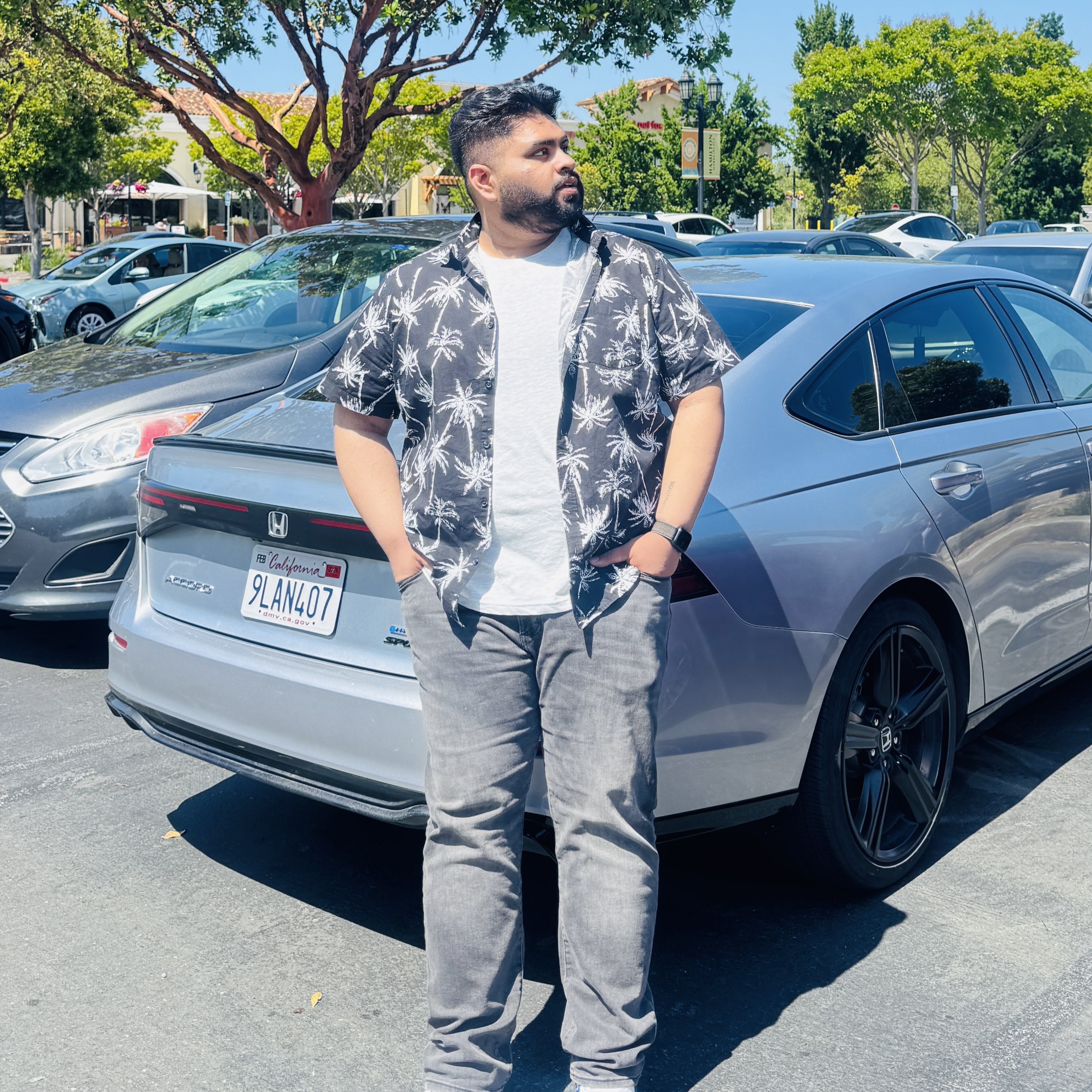
Arsh co-founded Scriptivox and built the core of what it runs on: the AI models, the API, the meeting bot, and the technical infrastructure that keeps transcripts accurate at scale. He also handles customer support directly, because the people building the product should be the ones talking to the people using it. He writes about real transcription workflows for legal, research, and content teams, grounded in the systems he ships and maintains himself.
Jun 8, 2026
Audio description makes videos accessible to blind and low-vision users while improving engagement for all viewers. Learn three production approaches and implem...
Jun 10, 2026
Video accessibility requires captions, transcripts, audio descriptions, and keyboard navigation to comply with ADA requirements and serve students with

May 10, 2026
April 2026 ADA compliance deadline approaches. Learn how to handle multimedia accessibility requirements with captions, transcripts, and speaker ID.
May 18, 2026
WCAG 2.1 Level AA standards define technical accessibility requirements that government agencies and public universities must meet by April 2026 under ADA

May 10, 2026
Learn how to add professional subtitles to embedded videos with step-by-step instructions, platform comparisons, and best practices for 2026.
Jun 11, 2026
Learn to create WCAG-compliant meeting minutes in Word and PDF format with proper headings, accessible tables, and semantic formatting that screen readers can