April 24, 2026 isn't just another regulatory deadline. It's the day thousands of public entities must meet WCAG 2.1 AA standards or face federal compliance action. While organizations scramble to audit color contrast ratios and keyboard navigation, they're often missing the most time-intensive requirement: multimedia accessibility.
I've helped dozens of organizations navigate this transition, and the pattern is always the same. Teams focus on the technical fixes (alt text, focus indicators) because they seem manageable. Then they discover their 500-hour video library needs accurate captions, and their monthly board meetings require transcripts. Suddenly, what looked like a web development project becomes a content production marathon.
What Is Website ADA Compliance?
Website ADA compliance means your digital properties meet accessibility standards outlined in the Americans with Disabilities Act. For public entities, this specifically requires conformance to WCAG 2.1 Level AA guidelines by April 2026 (or April 2027 for smaller jurisdictions).
The Hidden Multimedia Compliance Crisis
While most ADA compliance guides focus on code-level fixes, the real bottleneck is multimedia content. WCAG 2.1 AA requires:
- Synchronized captions for all pre-recorded video
- Audio descriptions for visual information not conveyed through dialogue
- Transcripts for audio-only content like podcasts or meeting recordings
- Sign language interpretation for essential communications
The Department of Justice's April 2024 ruling makes this non-negotiable. Unlike previous guidance that allowed flexibility in how organizations achieved accessibility, WCAG 2.1 AA sets specific technical standards.
Consider a typical university website: lecture recordings, admissions videos, virtual campus tours, and archived webinars. Each piece needs professional-grade captions to meet compliance standards. Machine-generated captions from platforms like YouTube or Zoom don't meet WCAG accuracy requirements, which specify captions must be "equivalent to the spoken word."
Multimedia Accessibility Requirements That Actually Matter
Caption Accuracy Standards
WCAG doesn't specify exact accuracy percentages, but federal agencies typically require 99%+ accuracy for compliance. This means every word, including technical terms, proper names, and industry jargon, must be captioned correctly.
Most auto-generated captions achieve 80-85% accuracy under ideal conditions. That drops significantly with:
- Multiple speakers
- Technical or domain-specific vocabulary
- Background noise or poor audio quality
- Accents or speech patterns the AI hasn't trained on
Speaker Identification Requirements
WCAG 2.1 AA requires identifying speakers in multi-person content. Captions must indicate who's speaking, especially when voices might be difficult to distinguish. This is critical for:
- Board meetings and public hearings
- Educational content with multiple instructors
- Interview-style videos
- Panel discussions
Audio Description Mandates
This is where many organizations get tripped up. Audio descriptions aren't just "nice to have" for complex visual content. They're required when visual information is essential to understanding.
For example, a chemistry demonstration video needs audio descriptions of lab procedures, equipment used, and visual reactions. A campus tour video must describe architectural features and spatial relationships.
Comparing Multimedia Accessibility Solutions
Professional Transcription Services
Rev dominates the traditional transcription market with human-verified accuracy and fast turnaround. Their compliance-focused offerings hit the 99%+ accuracy threshold consistently. The downside? Cost scales directly with content volume, making it expensive for large media libraries.
3Play Media specializes in accessibility compliance, offering integrated captioning, audio descriptions, and transcription. They understand WCAG requirements deeply and provide compliance documentation. Premium pricing reflects their specialization.
AI-Powered Platforms
Otter.ai excels at live meeting transcription and real-time collaboration but struggles with pre-recorded content accuracy. Their speaker identification works well for consistent participants but fails with one-off recordings.
Descript combines transcription with video editing, making it powerful for content creators who need to edit based on transcript text. However, their AI accuracy varies significantly with audio quality.
Hybrid AI-Human Approaches
This is where Scriptivox fits. The platform uses AI for initial transcription speed, then allows human review and editing for compliance-grade accuracy. I've processed university lecture series through Scriptivox and consistently achieved 99%+ accuracy after review.
The speaker identification feature automatically labels different voices, then lets you rename "Speaker 1" to "Professor Smith" across the entire transcript. For a 2-hour faculty meeting with 8 participants, this saves hours compared to manual labeling.
Step-by-Step Multimedia Compliance Workflow
Phase 1: Content Audit and Prioritization
-
Inventory all multimedia content across your digital properties. Don't forget embedded videos, downloadable audio files, and third-party hosted content.
-
Categorize by compliance risk. Public-facing content for essential services (enrollment, financial aid, emergency information) gets highest priority.
-
Assess current accessibility status. Many organizations discover they already have captions for some content but lack transcripts or audio descriptions.
Phase 2: Establish Production Workflows
For new content creation, build accessibility into your production process:
- Upload your video file to Scriptivox immediately after recording
- Select speaker identification if multiple people appear in the content
- Review and edit the transcript for accuracy, paying special attention to technical terms and proper names
- Export as SRT or VTT files for video platforms, plus TXT or DOCX for standalone transcripts
- Generate audio descriptions separately for visual-heavy content
I tested this workflow with a 90-minute city council meeting recording. Upload took 3 minutes, AI transcription completed in 8 minutes, and human review took about 30 minutes. Total time: under 45 minutes for compliance-ready captions and transcripts.
Phase 3: Legacy Content Remediation
For existing content libraries:
-
Batch process similar content types (all lecture recordings, all board meetings) to establish consistent formatting and speaker naming conventions.
-
Use AI transcript chat features to quickly identify key moments that need audio descriptions. Ask questions like "What visual demonstrations occur in this video?" or "When does the presenter show charts or graphs?"
-
Export in multiple formats simultaneously. You'll need SRT files for video players, TXT files for screen readers, and often DOCX files for official record-keeping.
Common Compliance Pitfalls to Avoid

Trusting Auto-Generated Captions
Platform-generated captions from YouTube, Zoom, or Teams don't meet WCAG accuracy standards. I've seen auto-captions turn "municipal bond issuance" into "municipal bond insurance," completely changing the meaning of financial discussions.
Ignoring Third-Party Content
Your organization remains responsible for accessibility of embedded content. That includes:
- YouTube videos embedded in course pages
- Podcast episodes hosted on external platforms
- Vendor-supplied training materials
- Social media content embedded in news sections
Overlooking Audio-Only Content
Transcripts aren't just for videos. Podcast episodes, recorded phone calls, and audio announcements all need text alternatives. The good news? Audio-only transcription is typically faster and less expensive than video captioning.
Inconsistent Speaker Identification
Don't label speakers as "Speaker 1, Speaker 2" in final deliverables. WCAG requires meaningful identification. Use actual names, titles, or roles ("Mayor Johnson," "City Attorney," "Public Comment").
Technology Integration for Long-Term Compliance

API Integration for Scalable Processing
For organizations with regular content production, API integration eliminates manual upload bottlenecks. Scriptivox's API costs $0.20 per hour of audio, making it cost-effective even for large institutions.
Set up automated workflows where new recordings trigger transcription jobs, completed transcripts get reviewed by designated staff, and final outputs automatically populate your content management system.
Meeting Recording Integration
Google Calendar integration with automatic Zoom, Google Meet, and Teams recording creates a compliance-ready workflow for regular meetings. Transcripts generate automatically, and you can set up automations to trigger specific actions (like emailing transcripts to participants or adding them to public record systems).
Quality Assurance Workflows
Establish review processes that catch compliance issues before publication:
- Technical term glossaries for consistent spelling
- Speaker identification standards
- Audio description templates for common content types
- Spot-checking procedures for high-volume processing
Budget Planning for Multimedia Accessibility
Compliance costs vary dramatically based on your approach:
Professional Services: $1-3 per minute for human-verified captions, plus additional costs for audio descriptions. A 1-hour video might cost $60-180 for full accessibility treatment.
Hybrid AI-Human: $0.20 per hour for AI transcription plus staff time for review and editing. Same 1-hour video costs $0.20 plus 15-30 minutes of staff time.
Staff Training vs. Outsourcing: Training internal teams on accessibility workflows reduces ongoing costs but requires upfront time investment. Consider your content volume and staff capacity when deciding.
Multimedia Accessibility Solutions
| Solution Type | Accuracy | Cost | Best For |
|---|---|---|---|
| Rev (Professional) | 99%+ human-verified | High, scales with volume | Quality-critical content |
| 3Play Media (Professional) | 99%+ with compliance docs | Premium pricing | Full accessibility compliance |
| Otter.ai (AI) | Variable, good for live | Moderate | Real-time meeting transcription |
| Descript (AI) | Variable with audio quality | Moderate | Content creators needing editing |
| Scriptivox (Hybrid) | 99%+ after human review | $0.20/hour plus staff time | Large content libraries |
Frequently Asked Questions
About the author
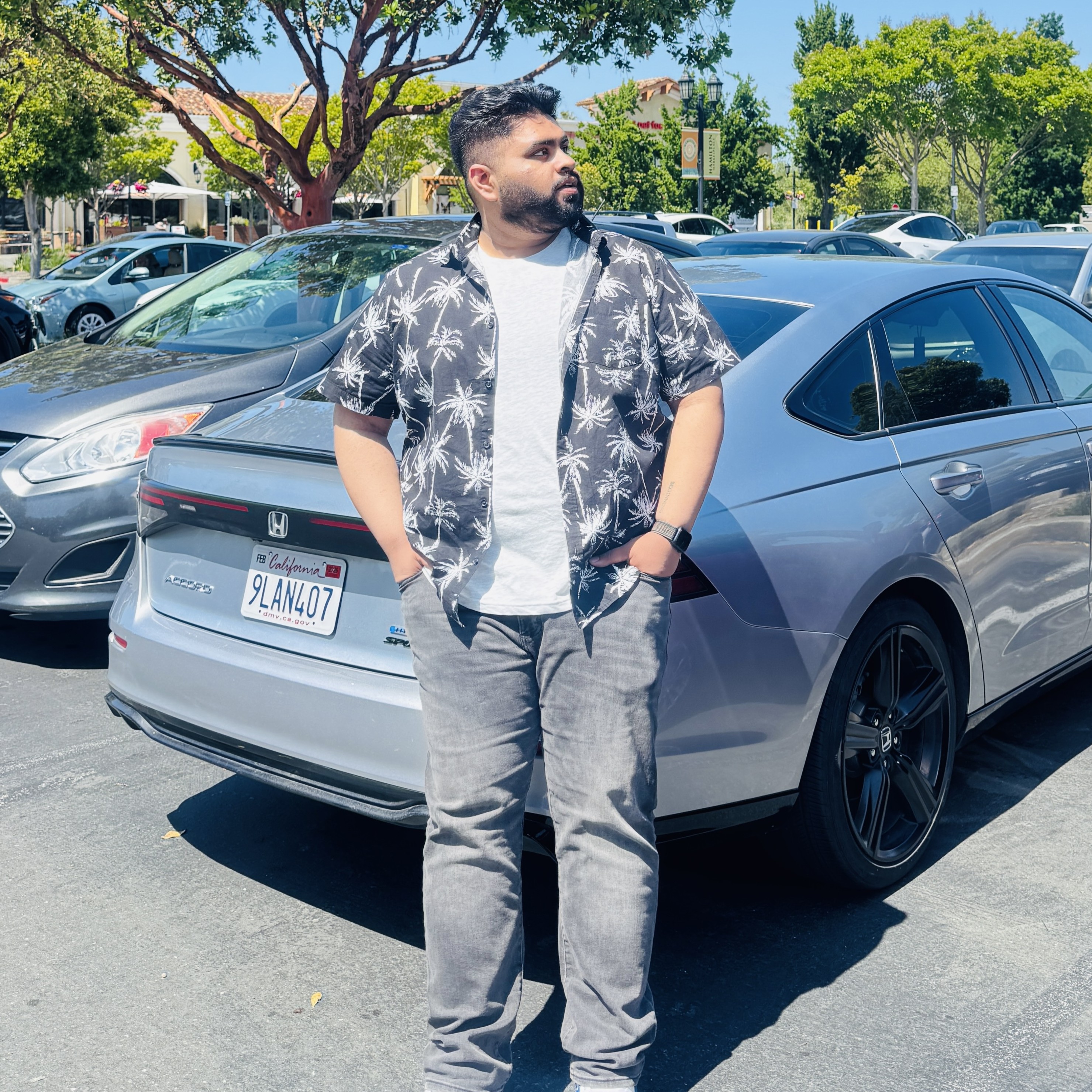
Arsh co-founded Scriptivox and built the core of what it runs on: the AI models, the API, the meeting bot, and the technical infrastructure that keeps transcripts accurate at scale. He also handles customer support directly, because the people building the product should be the ones talking to the people using it. He writes about real transcription workflows for legal, research, and content teams, grounded in the systems he ships and maintains himself.